Stark Varg navigation, laps and power modes
VargLink ride mode is a dashboard on your phone while you ride: speed, charge, current map and a map with your track. On top of it — route navigation, lap timing and group rides.
Navigation
Take a route from anywhere and follow it without internet.
- a GPX file, your own past rides, a friend’s track;
- a point on the map or a Google or Yandex Maps link;
- back to where the ride started;
- routes from the website by link or QR code: upload a GPX at varglink.com/t and open it on the phone.
Laps
Set a start/finish mark — from the ride mode menu or with a long press on the map. VargLink times every lap, shows the best one and the gap to it; loops and out-and-back both count. On a loop route the mark is set automatically, and a ride’s laps are shown on its card in the history.
Power modes
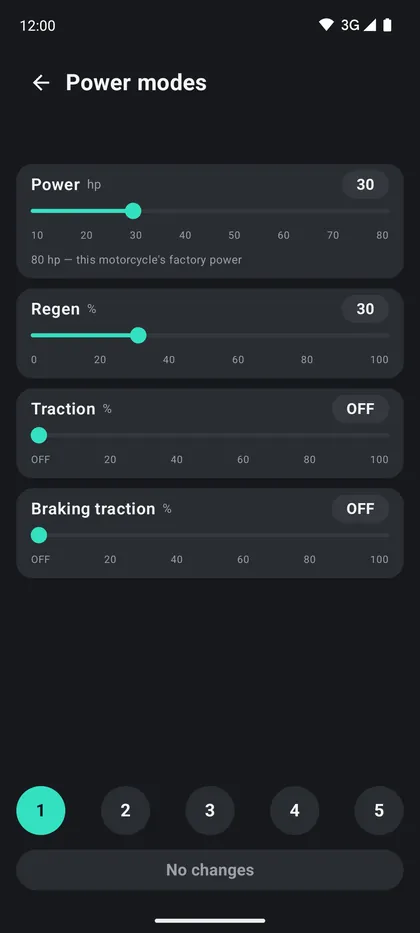
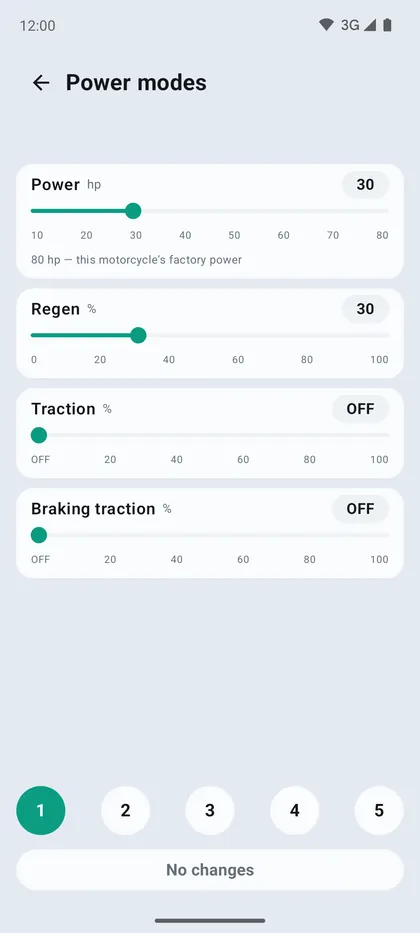
Power and regen of the five Stark Varg maps are changed in VargLink, and the bike confirms every write. Works on firmware 1.15 after signing in to your Stark account; power never goes above the factory level. On Stark phones VargLink shows the real values from the bike over the Varg ovals when you change maps.
Friends without a Stark
Friends on any motorcycle can ride with a Stark owner — all they need is a phone with VargLink. On the first screen, tap «Riding with friends, no Stark»: name, your bike and the 4-digit code shown by the ride creator. Guests see GPS speed, the map with riders and the route, voice prompts and SOS, and everyone sees them. The ride is created by a Stark owner with VargLink Plus; guests are unlimited.
It works without the app too: the invite link from the ride creator opens a page with “Ride without the app”. Enter a name and motorcycle, and the browser shares your location, shows the others on the map and gives you SOS while the page is open and the screen is on. With VargLink installed, the same link opens the join screen with the code already filled in.
Rides and watches
- group ride: riders are shown on the map, the summary is at a shared link;
- ride history with the track on a map — in the app and in your account on the website;
- Garmin watches: charge, current map and a vibration on map change, the ride is recorded in Garmin Connect;
- in ride mode you can open the app menu without stopping the ride.
Related questions
- What navigation app can I use on my phone with the Stark to load a race track and follow it?
- What can I use for navigation and tracks if I don't have a paid subscription?
- What map settings (power, regen, traction) for hard enduro?
- Which Garmin watches does the VargLink app support?
- What should I check before every ride?
- All Stark Varg questions →
More VargLink features
Stark Varg is a trademark of Stark Future S.L. VargLink is an independent app, not affiliated with Stark Future.