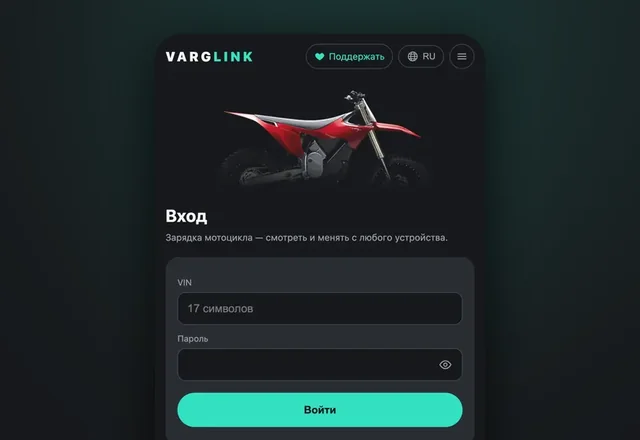
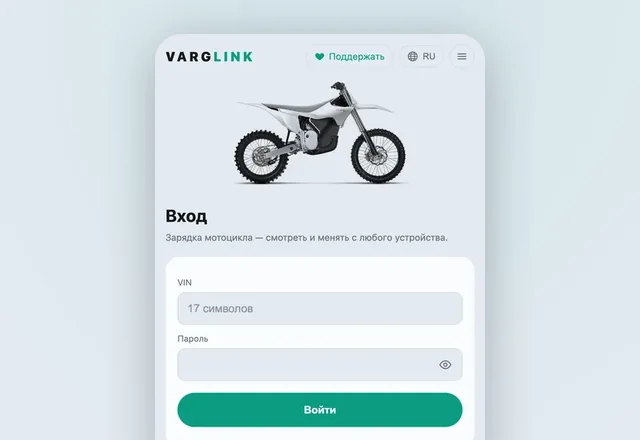
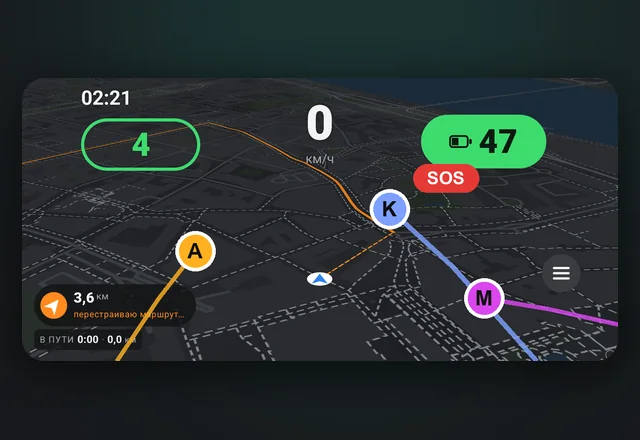
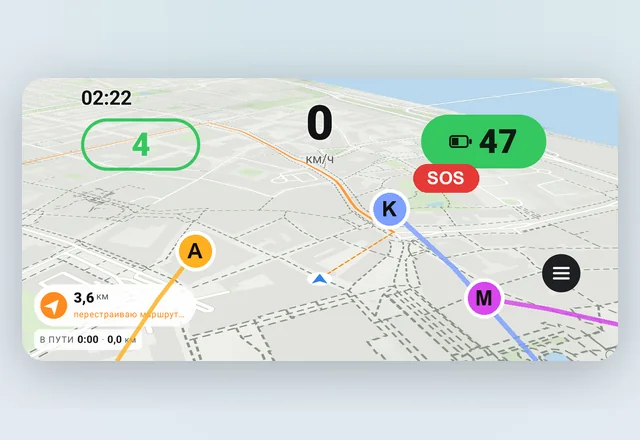
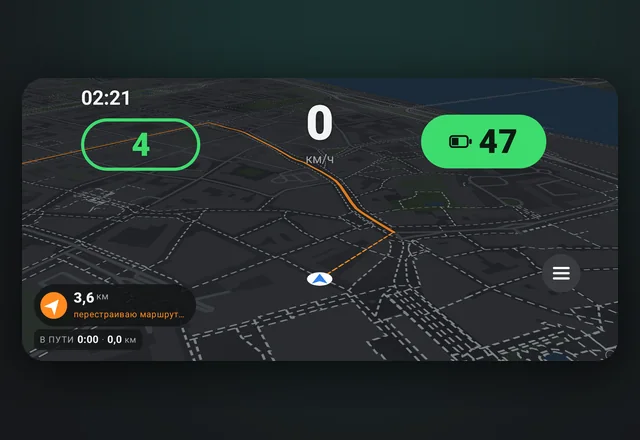
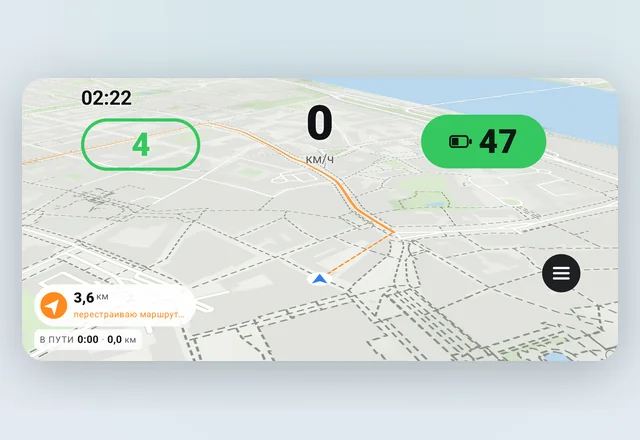
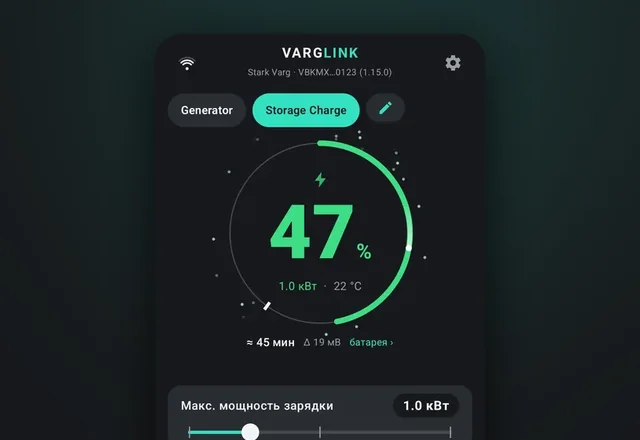
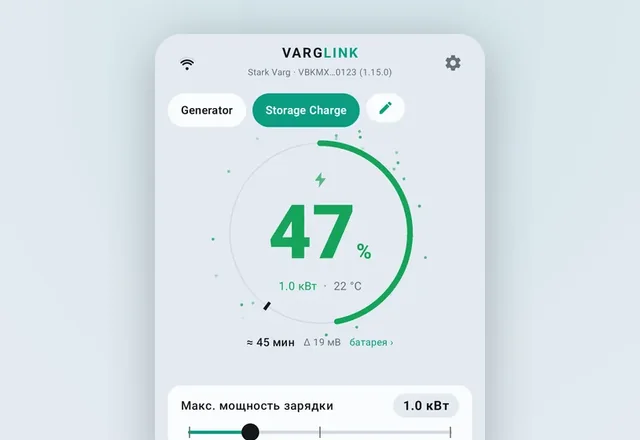
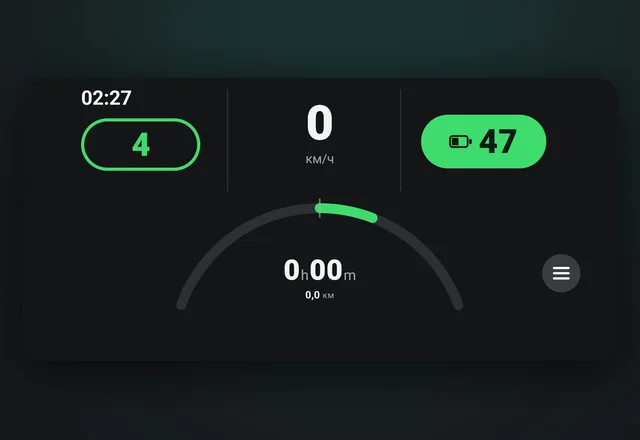
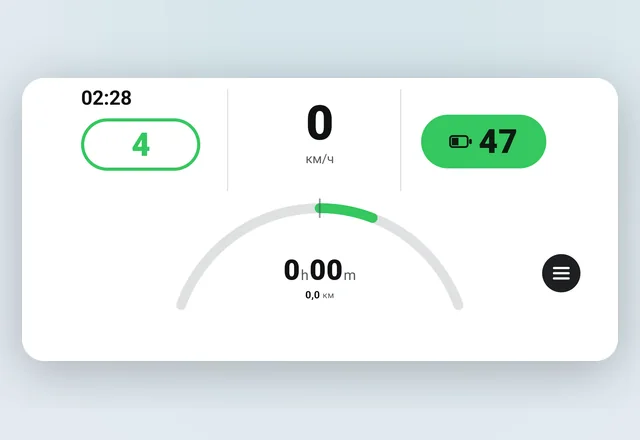
Dashboard, navigation, charging, diagnostics and watches — instead of the stock Varg app or alongside it. Connects to the bike over Bluetooth, free and with no sign-up. Firmware 1.15 is supported too.


Also: a bike sale passport, Home Assistant, turning off the stock Varg app right from VargLink.
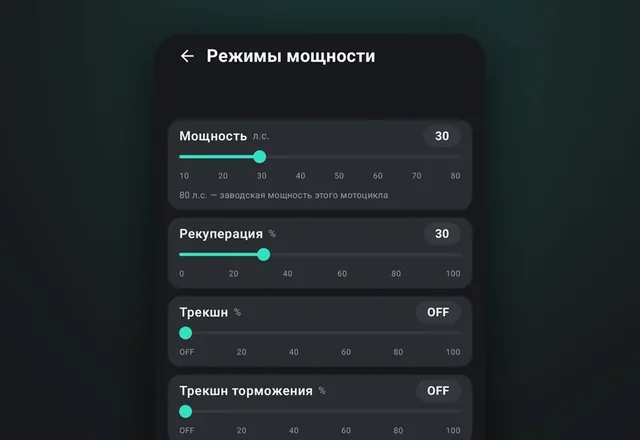
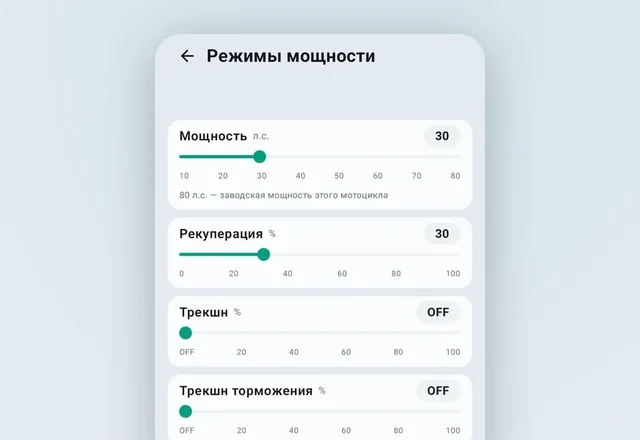
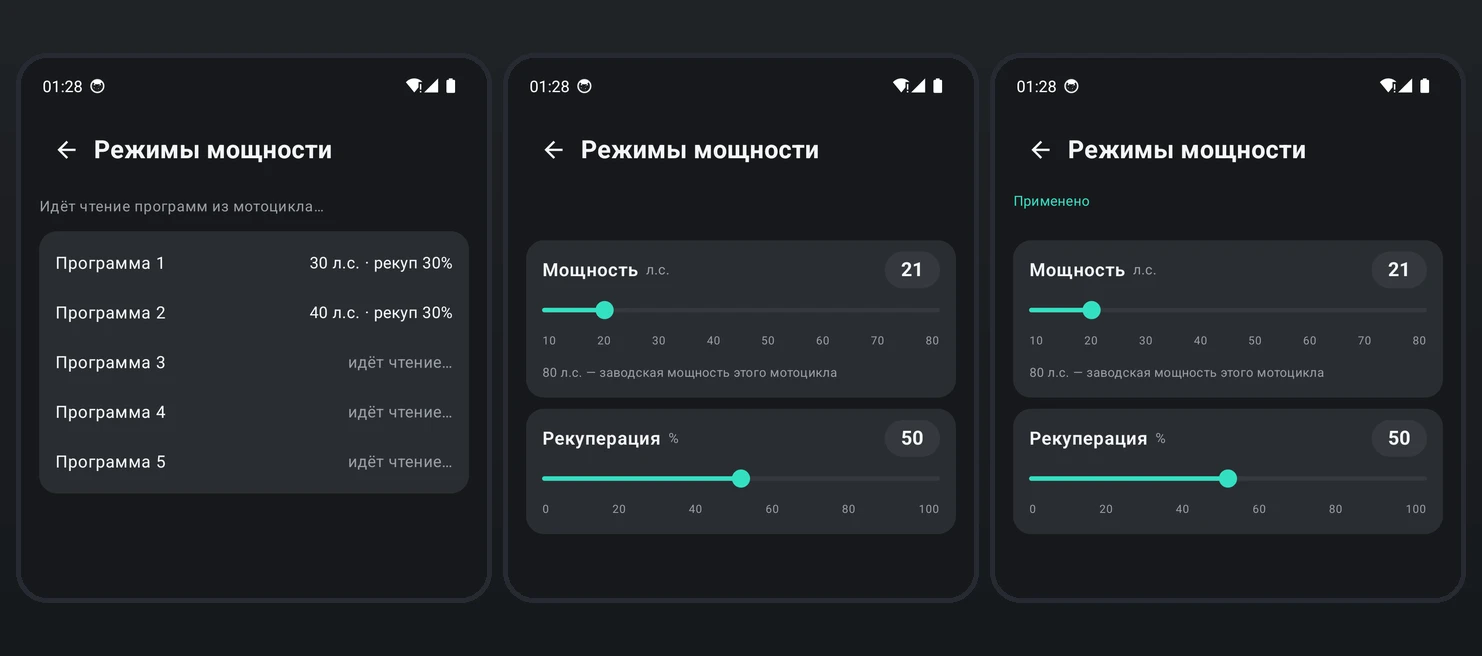
Power and regen of the five Stark Varg programs are changed in VargLink, and the bike confirms every write. On Stark phones, a window with the real values covers Varg’s ovals.

Power and regen of the five programs from your phone; the bike confirms every write. Any bike on firmware 1.15, up to its factory power.
On Stark phones, when you switch programs, the bike’s values appear over Varg’s ovals.
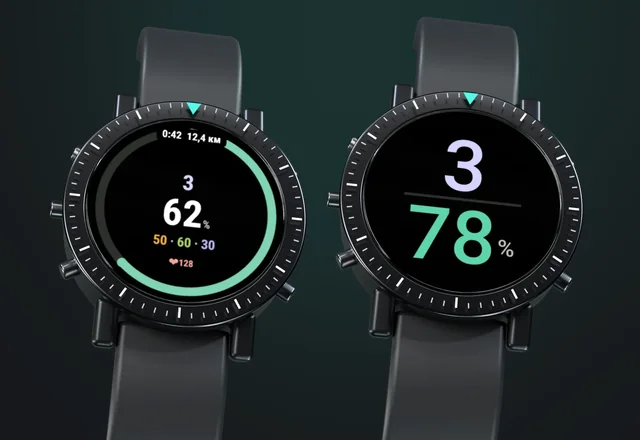
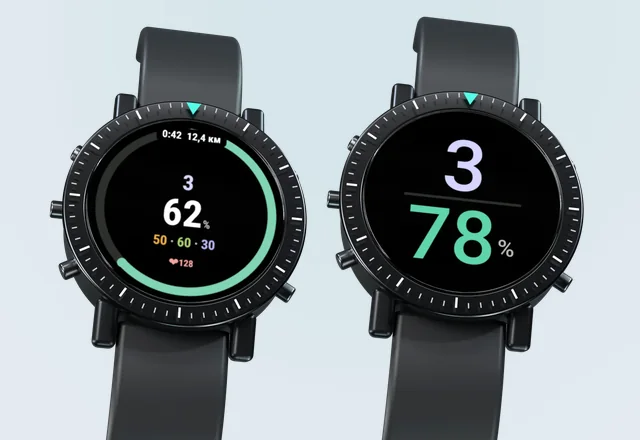
Battery, ride mode and charging progress on the watch, vibration on mode change. Garmin — in the Connect IQ Store, Amazfit — in the Zepp store. VargLink for Garmin → VargLink for Amazfit →
Time left to the limit — in the app, on the garage page and in Home Assistant. The estimate updates as you change settings.
Reads next to it and takes the link only to write. While charging, keeps it until the charger is unplugged.
Its own item in settings: switch drawing with the LED, brake, lock and the fault log.
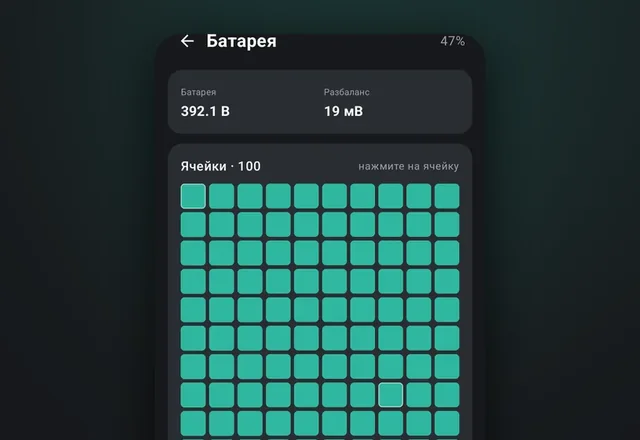
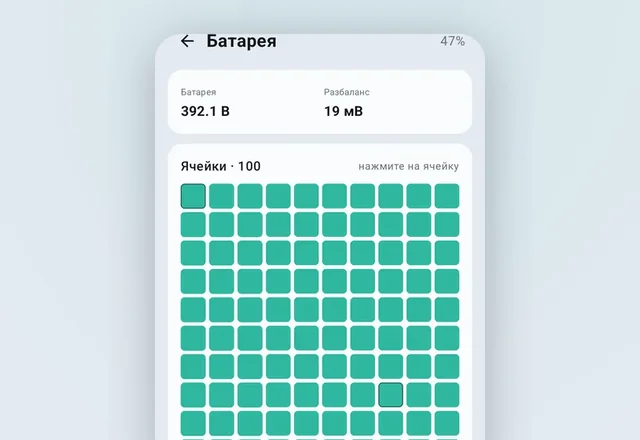
The Battery screen opens when you tap the charge ring. The website has the same section.
Keep the battery stored at 60% and top it up to 100% by the time you need it.
A phone with VargLink left next to the motorcycle sends data to the server. Charge level and charging settings are available on this website via the “Connect” button.
Running at full power for a long time, an inverter generator can overload and cut the load. Once it recovers, the motorcycle immediately asks for full power again and the overload repeats. A profile with generator mode prevents this.
The app records every charge while it is connected to the bike and sends the history to your account on the website.
The stock Varg app and VargLink work together on the same phone. Nothing to turn off or set up.
The app is installed from an APK file, it isn't on Google Play. It downloads updates by itself.
Open this page on your phone and tap “Download APK”.
Android will ask for permission to install apps from the browser. Allow it.
Turn on the motorcycle, open VargLink and allow access to nearby devices.
Pick the motorcycle from the list. The first connection can take up to a minute.
Android 8.0 or newer
VargLink is free, with no ads and no subscriptions. I build it on my own, in my spare time. If the app has been useful to you, please support its development.
Any Russian bank card, SBP or SberPay
Payment on the CloudTips page (T-Bank).
USDT from any exchange or wallet
Donations are voluntary and the app is free. As a thank-you, from 1000 ₽ or 12 USDT you get battery charge on your watch while riding: tap “Thank the developer” in the app settings to get a code for the payment comment.